Learn
Team chat walkthrough
Open Ambitio rooms, @ Maya by name, wake Ambitio Agent, and confirm writes as Diego.
The short version
Open Team in Ambitio’s sidebar (next to People). General is the default room. The waitlist plan already has its own room. You can add another with New room.
Type in the composer. Press @ to mention Maya Chen by name, or @ambitio to wake Ambitio Agent. Click Send.
The agent can propose a change. Only Diego (the owner) clicks Confirm or Decline. Maya talks; writes wait for that confirm.
Walkthrough
Step 1
Pick or create a room
Open Team. The left list is Rooms: General, then Invite operators from the waitlist. Click New room to attach a room to a plan that does not have one yet.
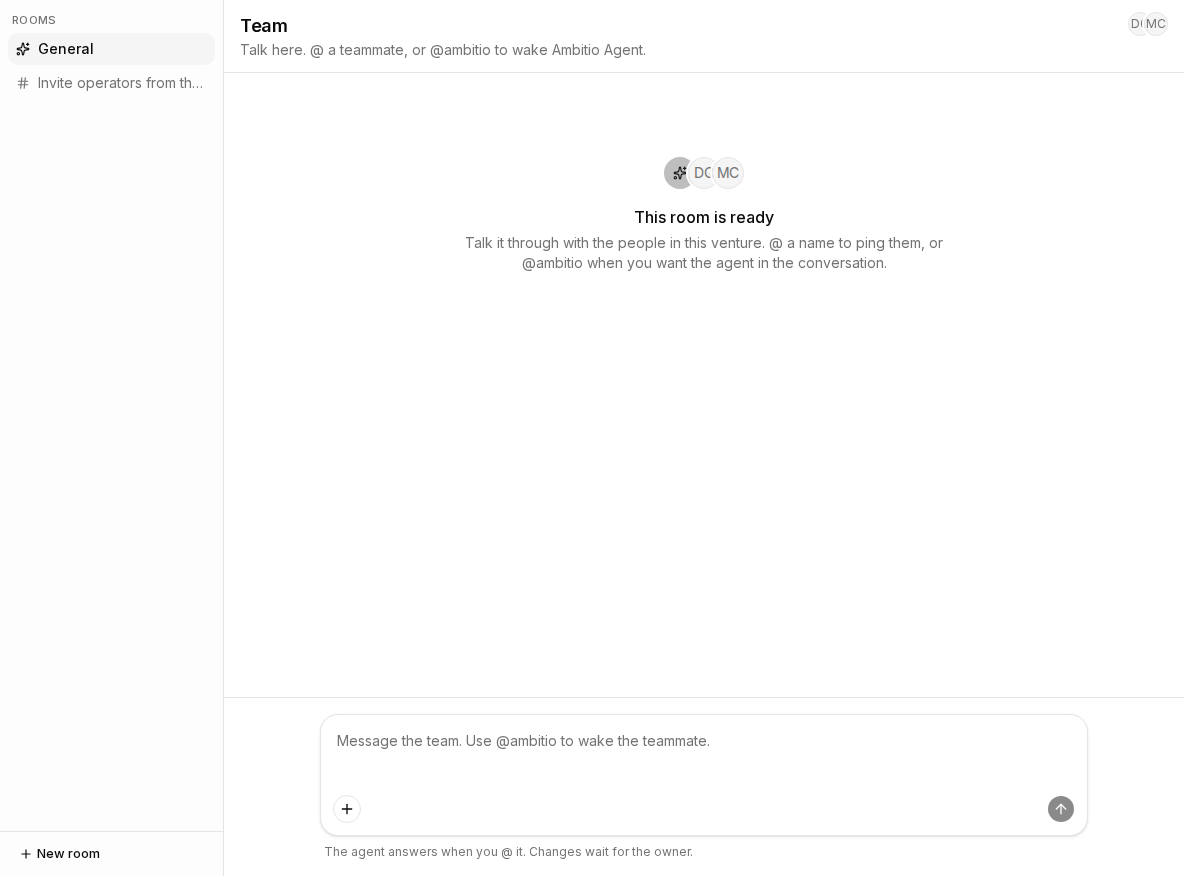
- General — the default room for Ambitio.
- Invite operators from the waitlist — the plan room.
- New room — create a room for a plan that has none.
Step 2
Mention a person or the agent
In the composer, type @. Pick Maya Chen, or Ambitio Agent (
@ambitio). Send the message. If you @ the agent, it reads the room (including a strategy draft that is not saved yet) and replies.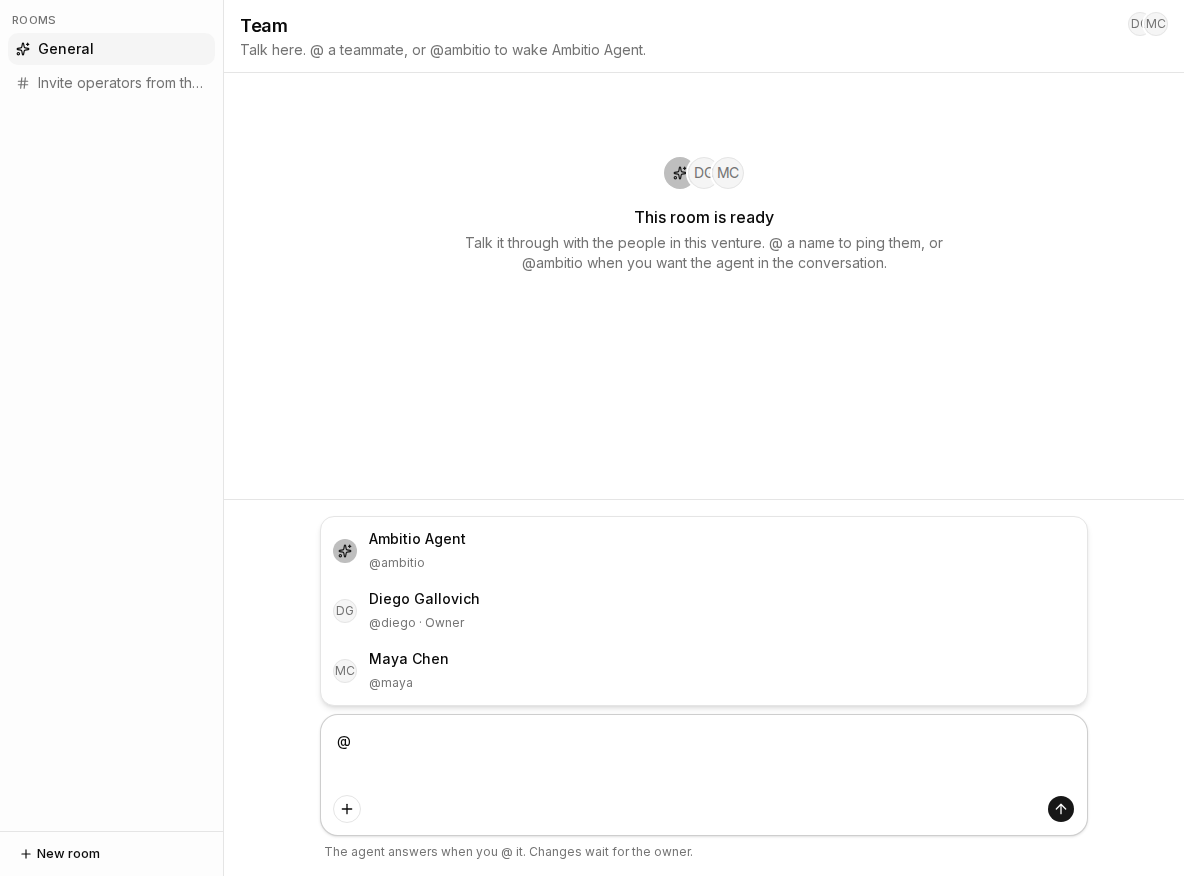
- @ picker — Maya Chen and Ambitio Agent.
- Send — posts the message in this room.
- Confirm / Decline — Diego only, after an agent proposal.
Step 3
Confirm agent writes as the owner
When Maya wants a write (a draft change, a new Action), Ambitio Agent @mentions Diego and shows What will change if you confirm. Diego clicks Confirm or Decline. Maya cannot apply that write.
- @ambitio — wakes Ambitio Agent.
- Send — starts the turn.
- Confirm — Diego applies the proposed write.
Check your understanding
Check your understanding
01Who appears when you type @ in Team chat?
02Who applies a change the venture agent proposes?